
If you’re planning a trip to Thailand, having reliable internet on your phone is one of those things that can make or break your experience. After our recent trip to Bangkok, Chiang Mai, and Hua Hin, I wanted to share with you what I think is the best eSIM for Thailand.
Thailand is incredible. The food, the temples, the beaches, the night markets. But to fully enjoy it all, you need reliable data. The slow international data that comes with most phone plans (if you even get any) isn’t enough when you’re trying to navigate Bangkok’s streets, order a Grab, or pull up your Thailand arrival information at immigration. And those $10-a-day roaming plans can add up fast!


We used Sim Local eSIM for our trip, and it solved all those connectivity headaches. I’ll walk you through exactly why you need data in Thailand (beyond just maps), how it worked for us in three different cities, and what it actually costs. I even have a discount code for you at the end if you want to try it!
Why You Actually Need Data in Thailand (WiFi Alone Won’t Cut It)
We’ve been to Thailand a couple of times now, and I used to think our included international plan in our monthly cell service and WiFi at hotels and restaurants would be enough. It’s not. Our “included” international data with our cellular plan at home seems throttled. It’s so painfully slow. And WiFi doesn’t help us when we’re walking around a city using maps. So here’s all the reasons I think having your own data makes such a difference, especially in Thailand.

Immigration Needs Your TDAC Information Immediately
When we landed at Suvarnabhumi Airport in Bangkok, we needed our Thailand Arrival Card (TDAC) information at immigration. You can fill this out digitally before you arrive, but you need to pull it up on your phone right there at immigration, and there’s no reliable WiFi in that area.
I’ve watched people frantically try to connect to spotty airport WiFi while the line backs up behind them. With our eSIM already working, I just pulled up my TDAC information and we breezed right through. Getting instantly connected in Bangkok as soon as we landed meant we had everything ready when we needed it.


Grab Is Essential for Getting Around Bangkok
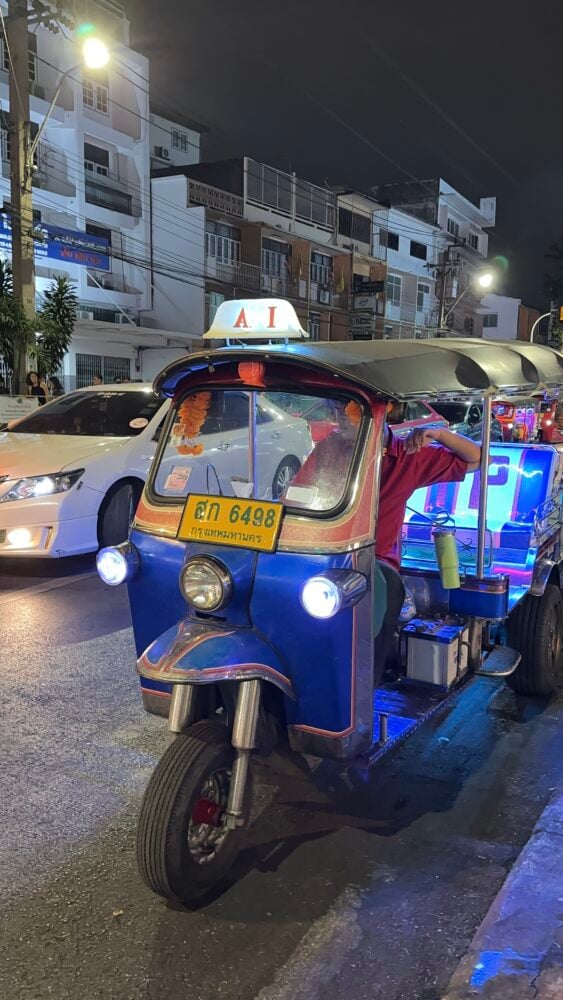
Grab is Asia’s version of Uber, and our nephew showed us how to use it. We ended up using it quite a bit to get around Bangkok, especially when going to and from Icon Siam and other malls that had long taxi lines. When you’re standing there watching dozens of people waiting for taxis, being able to book a Grab and walk straight to your pickup spot makes a huge difference.
With Grab, you know exactly what you’re paying, the driver knows where you’re going, and you can track your ride. We used it to get to temples, markets, restaurants, and back to our hotel. Having data meant we could order rides from wherever we were without hunting for WiFi first.
One tip: if you’re a big group with luggage, specify that when you order. We had one Grab driver arrive and refuse to take us. I think he thought we might be going to a club because it was more like a party bus situation. But it was no trouble, our nephew just ordered another Grab and we were on our way.
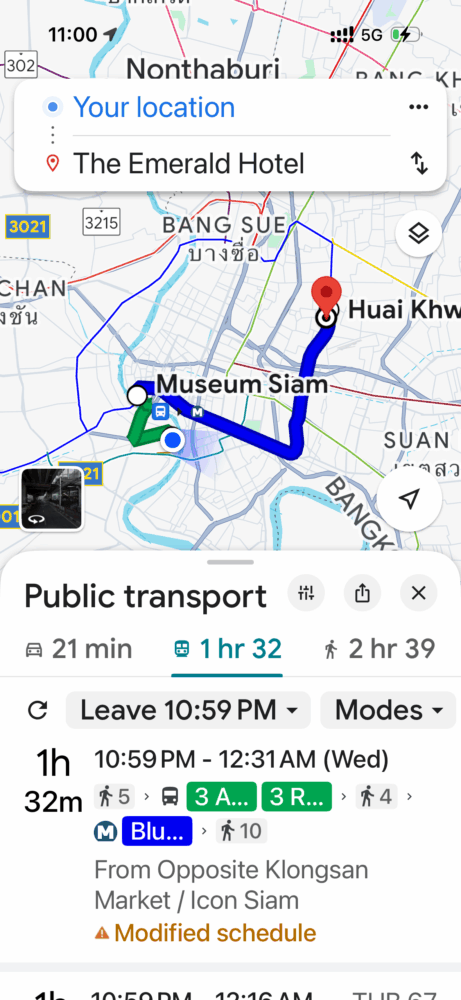
One thing I loved was being able to compare travel times on Google Maps before deciding between the Skytrain and a taxi. I always assumed the Skytrain would be faster, but once you factor in walking to the station, waiting for the train, and walking from the station to your destination, taking a taxi usually won. Having that data to check those comparisons on the spot saved us a lot of time.


Google Maps Is Your Best Friend
Bangkok’s streets can be really tricky to navigate, especially when you’re walking. We used Google Maps constantly to find our way around, like when we walked to the Jim Thompson House or when we were looking for restaurants we’d read about. A lot of these places are on side streets with no English signage, so without working maps, you’d just be wandering around hoping you’re going the right direction.
When we were getting walking directions to visit the Jim Thompson House, having instant access to maps made navigating the side streets so much easier. We also used the “Find My” feature on our iPhones to locate each other when we got separated in crowded areas. Between Bangkok, Chiang Mai, and Hua Hin, we probably had Google Maps open half the time. Having that instant access to navigation made a big difference in feeling confident getting where we needed to go, instead of feeling stressed about getting lost.

Translation Apps Are Helpful (With Some Common Sense)
While many people in tourist areas speak English, lots of signs, menus, and markets are primarily in Thai. We used Google Translate’s camera feature to read street signs and menus.
A word of caution though: translations can sometimes be hilariously wrong. We found it worked best for addresses and simple phrases rather than trying to translate entire conversations. When you need to show a taxi driver your hotel address in Thai script or read a street sign, having that real-time translation access is invaluable.
Finding Great Restaurants and Coffee Shops
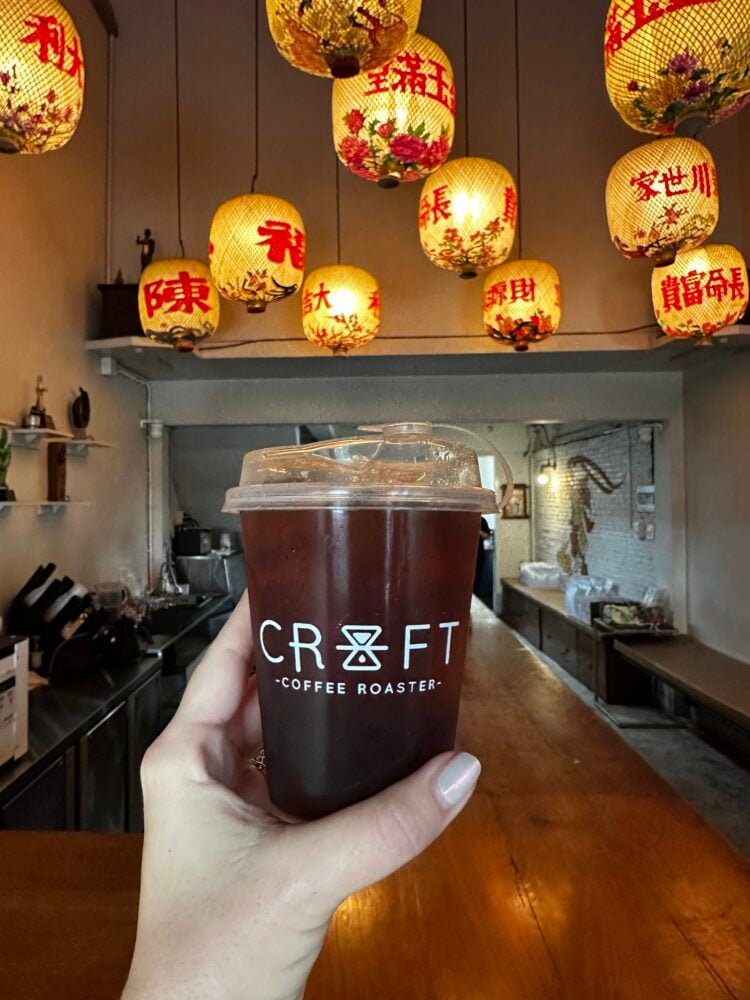
Thailand has an incredible food scene, and some of the best spots are tucked away on side streets. We constantly checked Google reviews while walking around deciding where to eat and looked up coffee shop ratings when we needed a caffeine fix. We also checked opening hours before heading somewhere (though in Thailand, those aren’t always accurate. We learned that the hard way a few times!). All of this requires data in the moment, not later when you find WiFi.


Why Sim Local Is the Best eSIM for Thailand
After using Sim Local throughout our Thailand trip, here’s why it worked so well for us. Sim Local is designed for travelers who want to stay connected like locals, and that’s exactly what we got.
1. It Works on TRUE, Thailand’s Leading Network
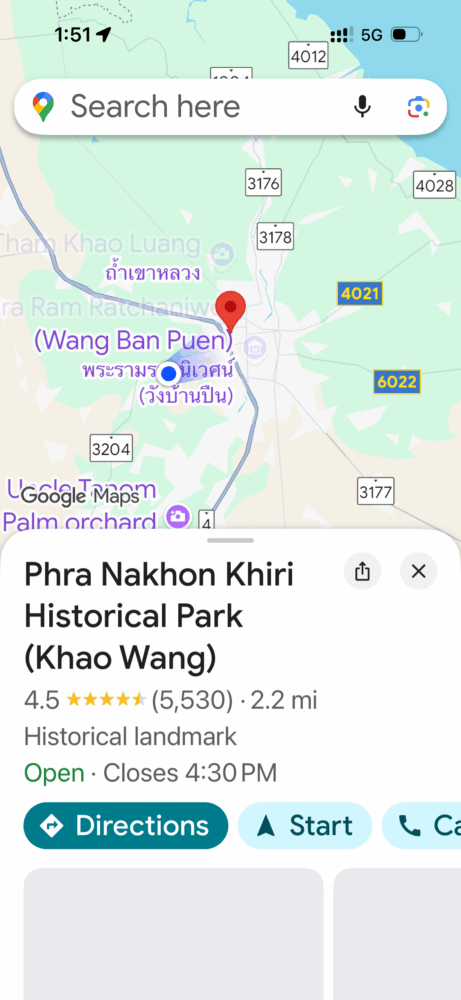
In Thailand, Sim Local works with TRUE, one of the country’s leading mobile networks. This means you’re getting local Thailand data without any tourist SIM markups. From the moment we landed in Bangkok until we left from Hua Hin, our phones worked exactly like they do at home on 4G and 5G networks. Fast. Reliable. No lag. No loading circles. No frustration.
We had reliable coverage throughout Bangkok and Chiang Mai with consistent 4G LTE and 5G speeds in most areas. Like any local network, coverage might vary in remote or rural areas, but that’s standard. We never had any issues in the cities or tourist areas we visited.
2. Real Unlimited Data That Actually Works
When Sim Local says unlimited, they mean it. You get real unlimited data with 10GB of high-speed data per day. That’s way more than most travelers will ever use, but it’s nice knowing you don’t have to worry about running out.
When you’re trying to find that coffee shop you read about, or you’re figuring out which BTS Skytrain line to take, you don’t want to wait for your phone to load. With the best eSIM for Thailand, everything was instant.
3. Super Easy Setup (Even for Non-Tech People)
I’ll be honest, the idea of setting up an eSIM made me a little nervous at first. But we tried Sim Local on our France trip and the setup was so straightforward that I knew what to expect for Thailand. Their instructions are really clear, with step-by-step guides and video tutorials (including a list of compatible devices), so you’re not trying to figure it out in the airport while jetlagged.
I set everything up at home before our flight and took a screenshot of the activation instructions just in case. Once we landed in Thailand, we were connected immediately and didn’t have to hunt for a SIM card shop at the airport.
4. Actually Affordable (Especially Compared to Roaming Charges)
Our home carrier wanted to charge us $10 per phone per day for their international plan. For a two-week Thailand trip, that would’ve been over $280. That’s insane.
You can choose a local plan with TRUE with unlimited data for 10 days at just $13 USD. That’s about 95% less than what our carrier wanted to charge us. Sim Local offers various plans depending on your trip length and data needs, but knowing you can get reliable unlimited data for under $15 is incredible.
5. Flexible Plans for Different Travel Styles
Not everyone travels the same way, and Sim Local gets that. They offer data-only plans, which were perfect for us since we use WhatsApp and didn’t need a Thai phone number. If you need to make local calls or send SMS messages for reservations, they have Thailand plans for that too. You can choose different data amounts and various durations whether you’re in Thailand for a week or a month.


Who Sim Local Is Best For
This works great if you’re a first-time eSIM user looking for a simple setup. The instructions are really clear, and customer support is there if you need help. It’s also perfect for travelers who want affordable data without language barriers or having to haggle at phone shops trying to explain what you need. And if you need to work remotely while traveling, the unlimited data and reliable speeds make it easy to answer emails, hop on video calls, or upload content without any issues. That’s why I think it’s the best eSIM for Thailand.


How Actually Performed in Thailand
Our trip took us from the bustling streets of Bangkok to the ancient temples and night markets of Chiang Mai, and down to the quieter beaches of Hua Hin. The Sim Local eSIM worked flawlessly everywhere we went. Here’s what we used it for:
- Pulling up our TDAC information at immigration (stress-free!)
- Ordering Grab rides
- Navigating Bangkok’s streets and skytrain
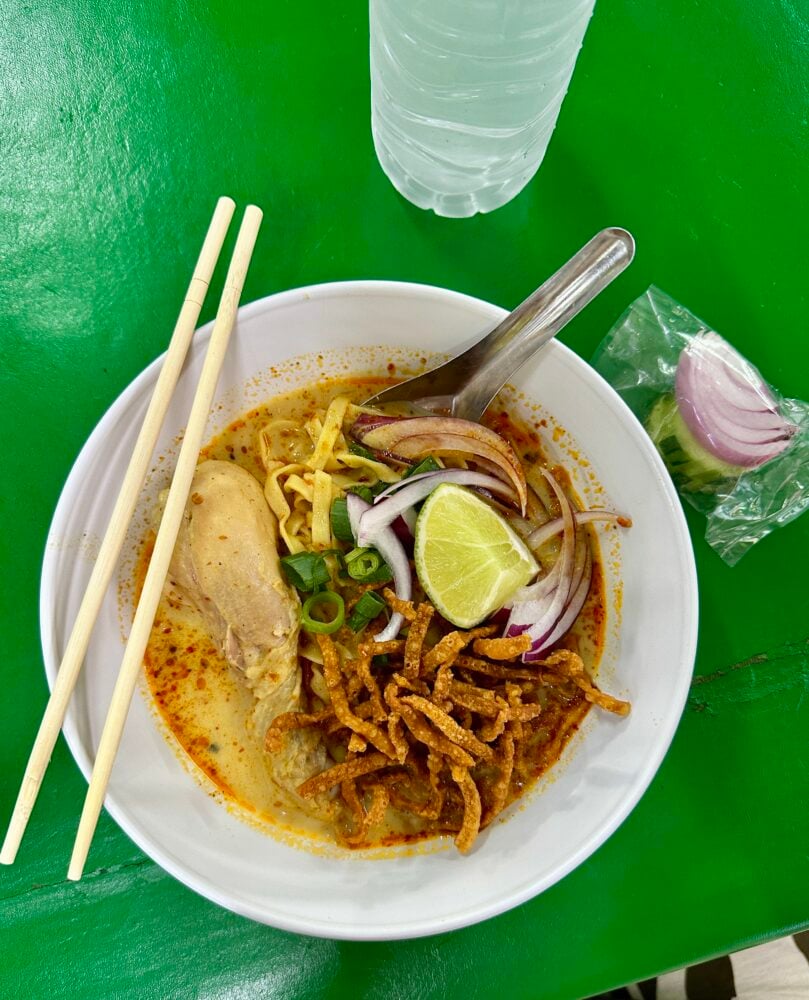
- Finding temples and street food spots
- Translating menus
- Checking restaurant reviews
- Staying in touch with family back home
- Uploading photos to Instagram without waiting for hotel WiFi

Pro Tips from Our Thailand Experience
Before your trip, make sure your phone is eSIM-compatible and unlocked. Buy and install your eSIM a few days before you leave so you can troubleshoot any issues at home instead of at the airport. I always screenshot my TDAC information (the arrival card) before the flight, along with the eSIM activation instructions. It’s also smart to download offline maps of Bangkok and your other destinations as a backup, though honestly, we never needed them.
When you arrive in Thailand, your eSIM should activate automatically when you land. Just make sure to set it as your primary data source in your phone’s settings. You can keep your home SIM active if you want to receive calls or texts on your regular number. Then breathe easy knowing you can order a Grab immediately without hunting for WiFi.
One money-saving tip: if you’ll have WiFi at your hotel and mainly need data for getting around during the day, a smaller data package might work. But in Thailand, where you’ll want to use translation apps, maps, Grab, and constantly look things up, unlimited data gives you the best peace of mind.
Ready To Experience Thailand Stress-Free?
After our Thailand trip, having reliable data made such a difference. No more expensive roaming charges, no more hunting for WiFi, no stress at immigration trying to pull up our arrival information. We could just focus on enjoying Thailand.
Whether you’re planning a Bangkok city break, a cultural journey through Chiang Mai, a beach escape to Hua Hin or the islands, or a multi-city adventure like ours, having your own data makes everything easier. For us, SIM Local was the best eSIM for Thailand, and I think it will be for you too.
Special affiliate discount for readers: Use code THETRAVELBITE to save 5% on your Sim Local eSIM!
Get your Sim Local eSIM here (affiliate link) and start your Thailand adventure the smart way.
You’ll be SO glad you set this up when you’re standing at Bangkok immigration with your TDAC info ready to go, or when you can order a Grab from that amazing street food market without searching for WiFi.

Leave a Reply