
Kindle or iPad — I ask myself this question every single time I pack. I usually pick one or the other based on the length of the flight and whether I’m in more of a reading mood or binge-watching mood.
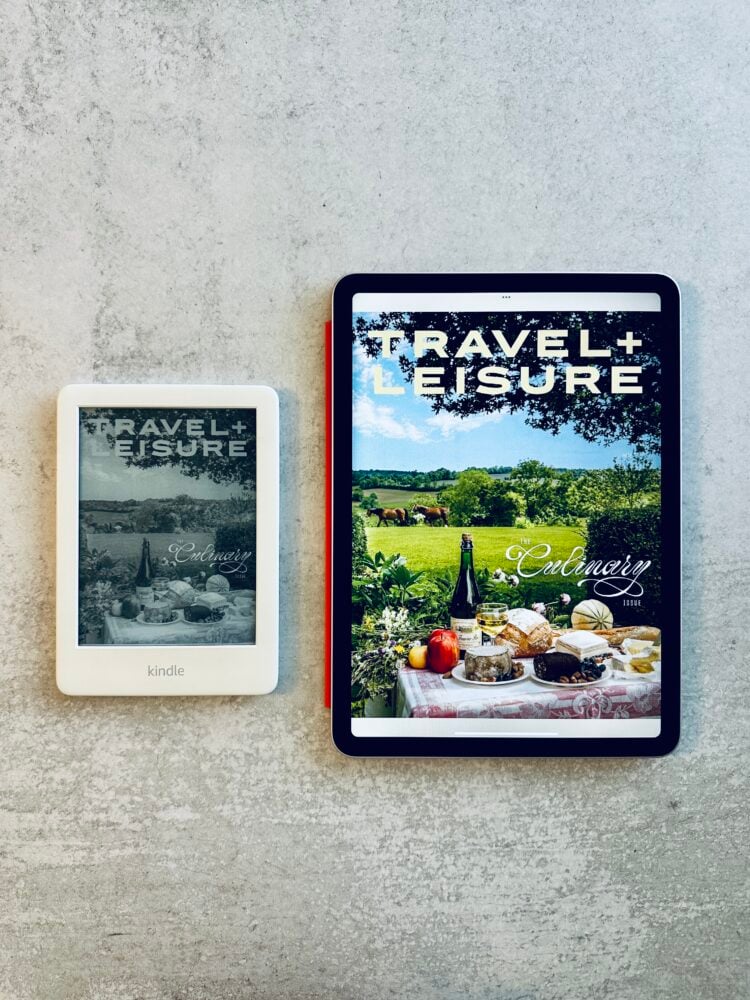
Most planes have decent entertainment these days, but every once in a while I’ll hop on a connecting flight with no screens and immediately regret my packing choices. That’s where having your own entertainment downloaded makes all the difference. With Netflix downloads, Kindle Unlimited, and Apple Books, you can pack an entire library and watch list without relying on in-flight wifi.
So which tablet should you actually bring? Here’s my honest take on both.

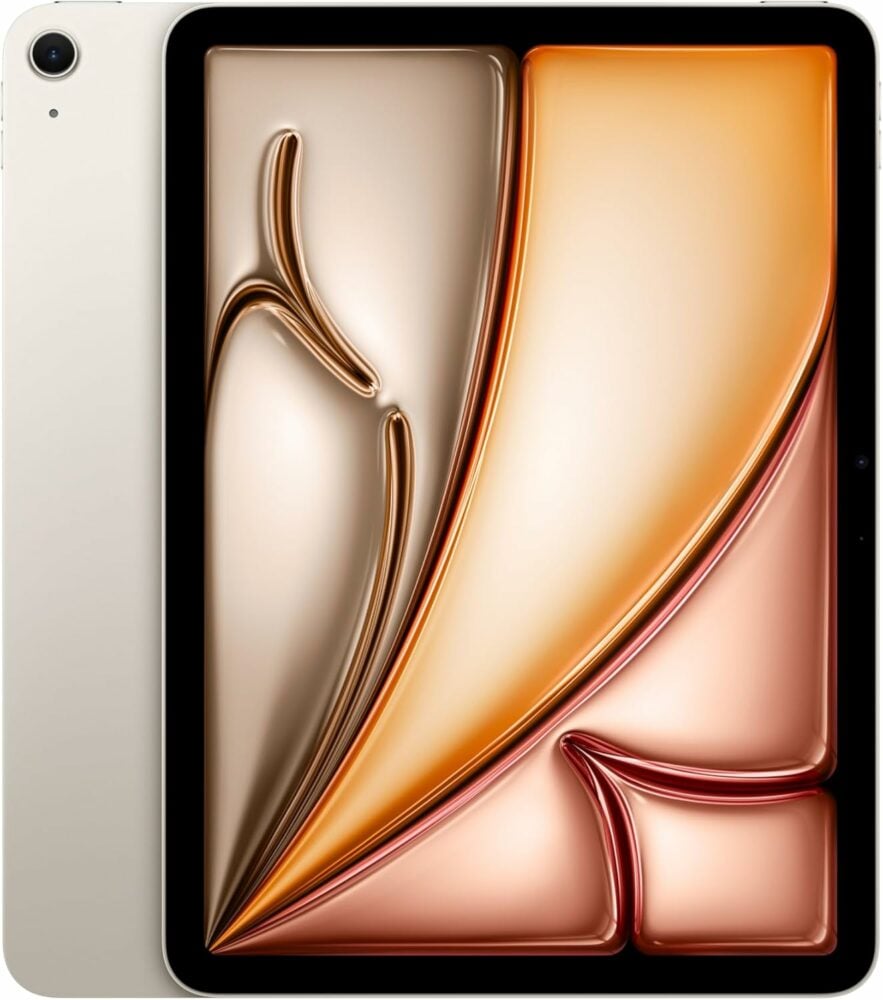
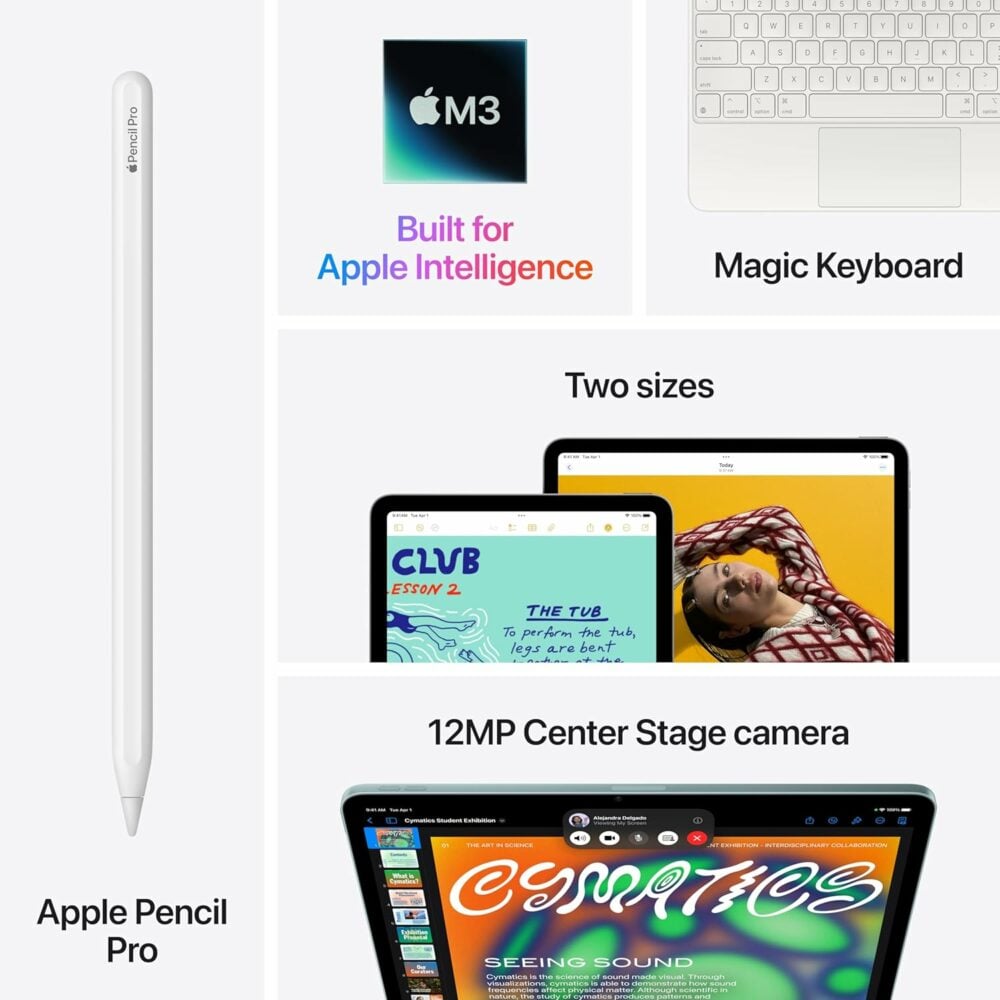
iPad Air (My Current Travel Companion)
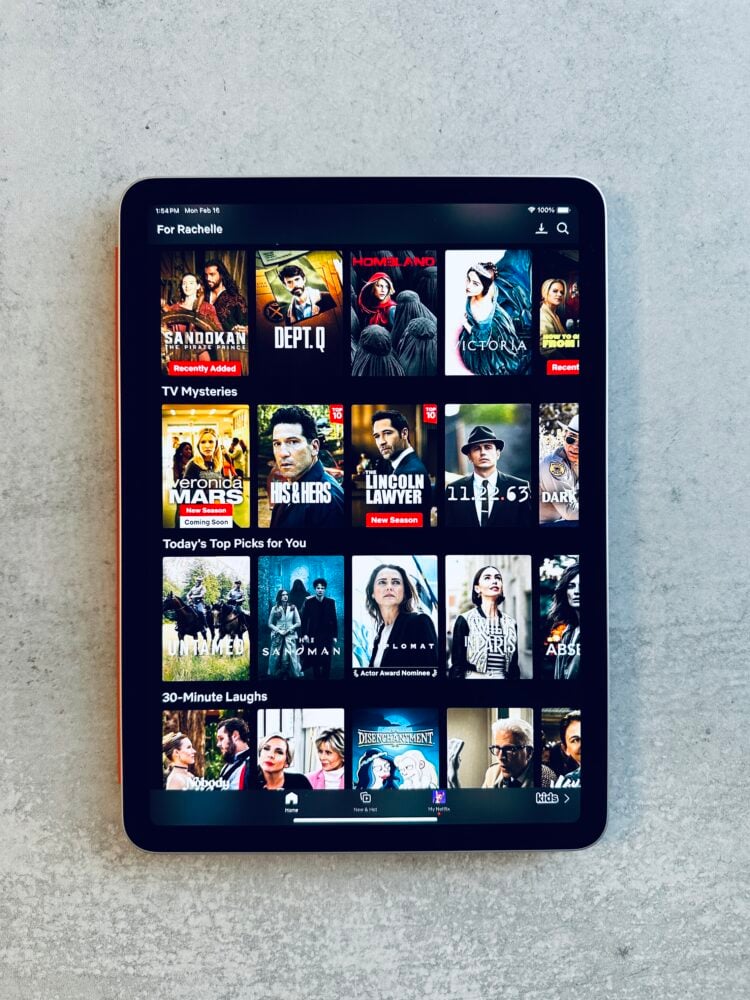
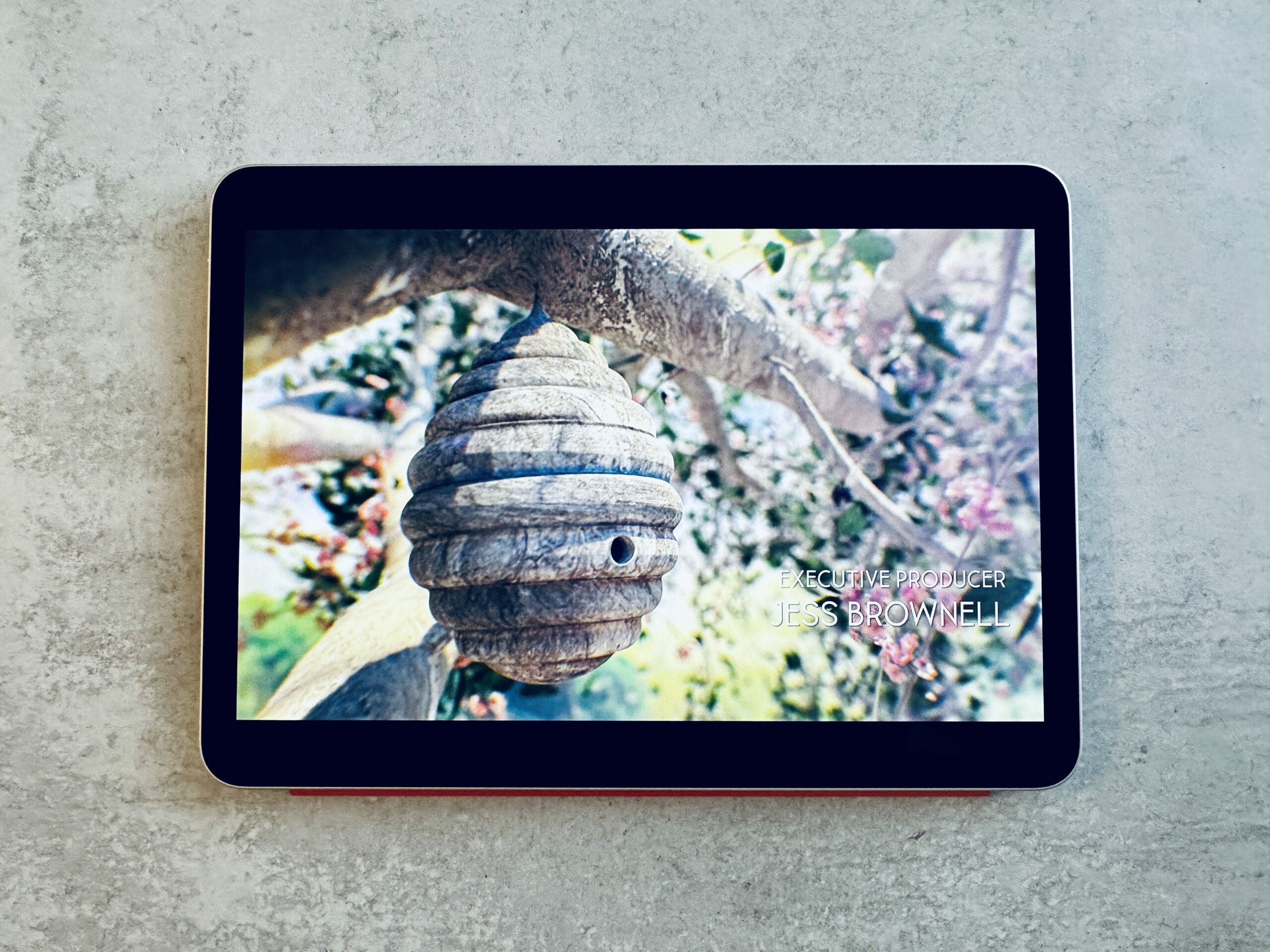
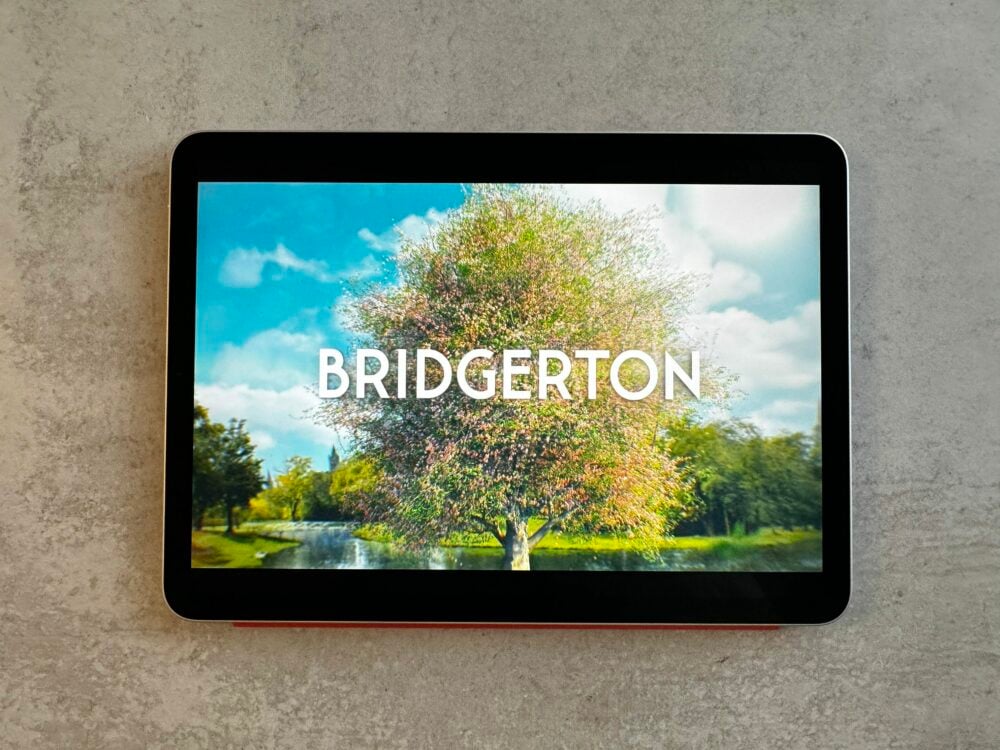
The iPad Air is what I travel with now. It’s my go-to for longer flights when I want multiple entertainment options and maybe need to do a little work too. At home, I use it constantly in the kitchen, either following recipes (including my own here on The Travel Bite) or watching shows while I cook. It’s also what I use for piano lessons on YouTube.
PROS
- Watch movies and TV shows (essential for 12-hour flights)
- Read magazines exactly as they’re printed
- Access Apple Books, Kindle app, and my library’s Libby
- Perfect for kitchen use at home with recipes and videos
- Great for YouTube tutorials and learning
CONS
- Screen glare, even with newer models (not great poolside or outdoors)
- Battery life is only around 10 hours (you’ll need to re-charge)
- Heavier at 16 oz for the 11-inch model
- More expensive starting at $599
- Too many distractions if you want to actually disconnect
iPad Mini (Considering It Again)
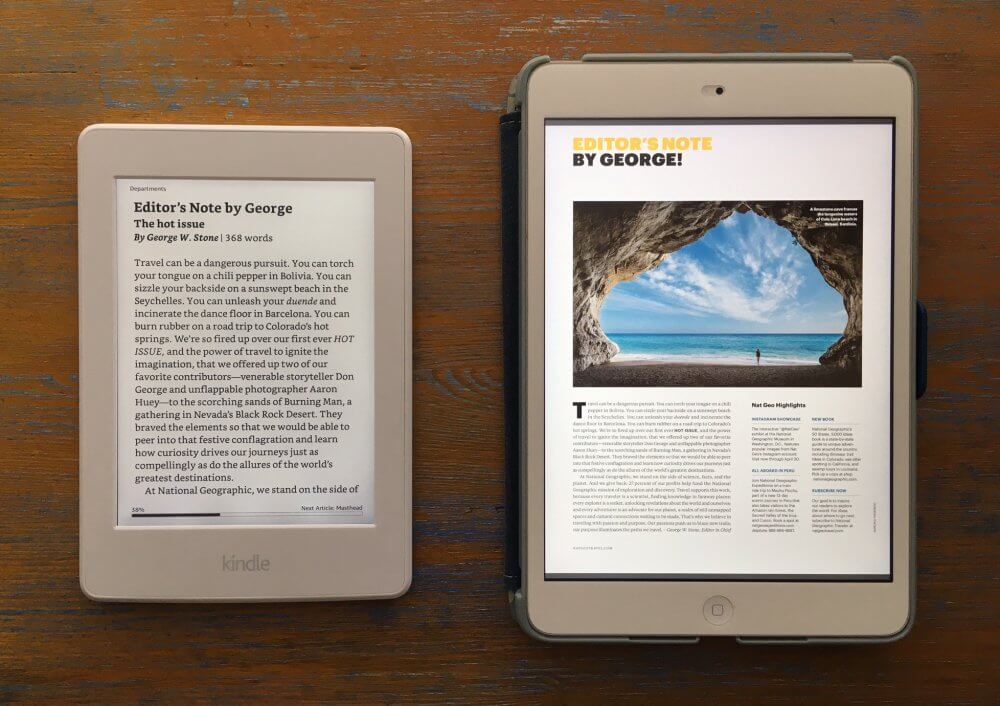
I used to have an iPad Mini when they first came out and I’d definitely consider getting one again. At $499, it’s more budget-friendly than the Air and super compact for travel. The 8.3-inch screen is big enough to enjoy shows but small enough to not feel bulky in your bag. It’s a bit of the goldilocks of eReaders for travel in size and functionality. I’ll update this if I end up getting one!
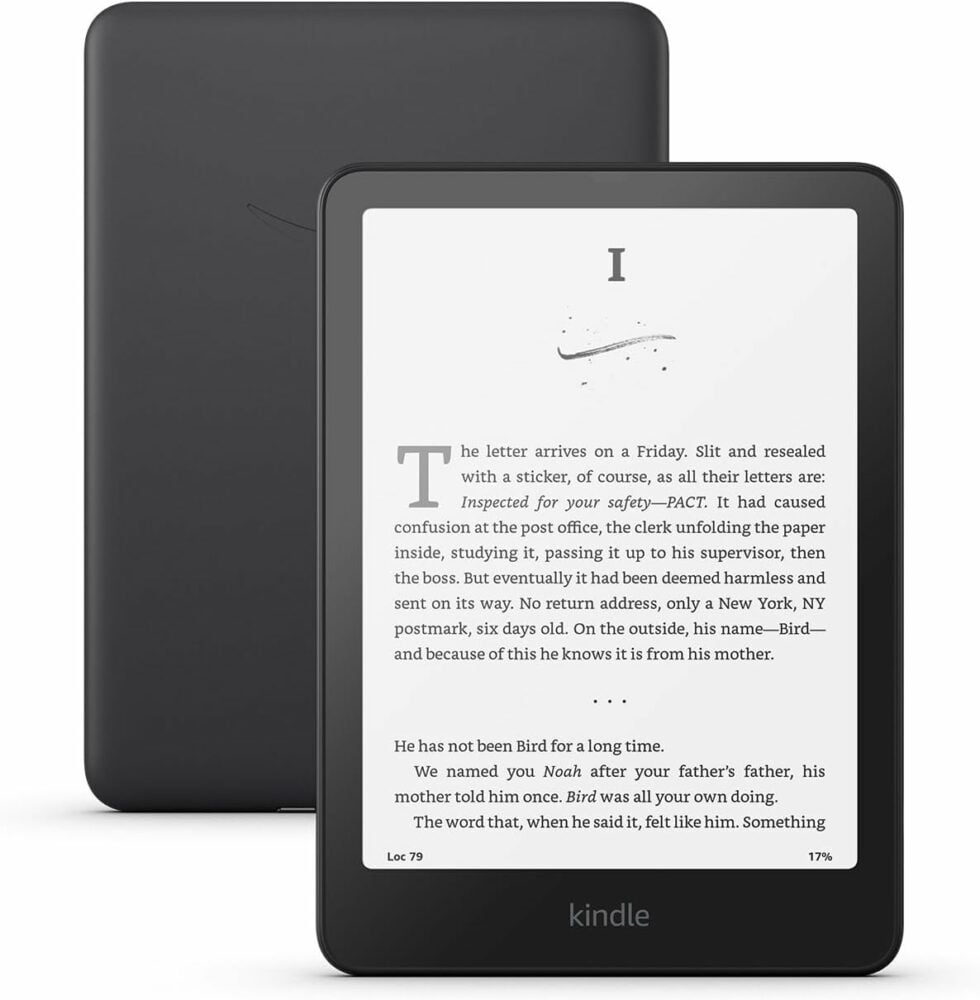
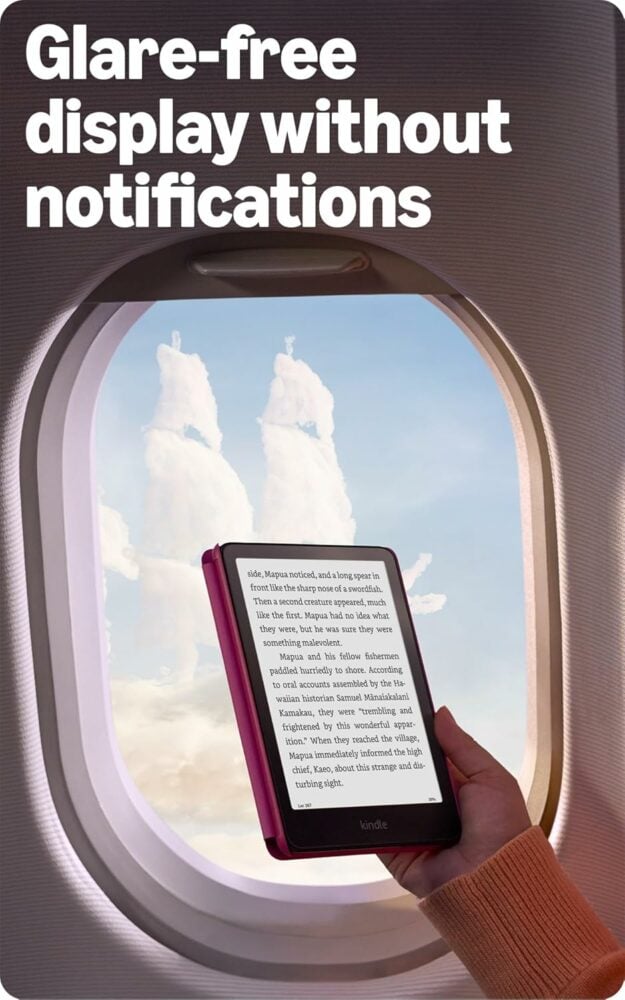
Kindle Paperwhite (My Bedside Essential)
The Kindle Paperwhite is a bit more limited in the type of entertainment, but as an e-reader, it can’t be beat. It lives on my bedside table at home and comes with me when I want a true vacation from everything. When I want to go on a digital detox during a trip, this is what I bring as I can download all of my favorite books without having the temptation of social media and email in the background. And bonus: I can download books from my local library through the Libby app, which means free reading!
PROS
- Incredibly lightweight at 7.2 oz (you can hold it one-handed)
- No screen glare. You can read in direct sunlight at the beach
- Newest model is 20% faster
- Battery lasts up to 12 weeks, so you won’t even pack a charger
- Affordable at $160
- Download library books for free through Libby
- Forces you to actually unplug and relax
- Perfect for bedtime reading
- More durable (I’ve dropped mine a time or two and it still functions great)
CONS
- Books only, No movies or tv shows
- Magazines are text-only (not the full magazine experience)
- Can feel restrictive if you want a variety of entertainment choices
My Current Setup
Want to compare them? Take a look at the available Kindles to see which size might be the right one for you. If you’re looking to upgrade, which one do you splurge on? If you have both, which one do you bring?
Overall, if you’re a voracious reader and don’t want the distraction (or temptation) of being online to check email or social, Kindle Paperwhite is the best choice. It is so light, I have no problem holding it up with one hand. And it is super slim and easy to tuck into any carry-on bag or purse (though, I would recommend getting a screen protector for it as I already scratched mine) As I see more people looking for a digital detox during their vacation, the Kindle is the one electronic device I think you could get away with.
On the other hand, if you want to spend your flight-time or vacation catching up on your latest binge series, then the iPad is definitely the way to go. Personally, I love them both.
Which One Should You Pack?
Here’s a quick list to help you decide:
Pack the Kindle if:
- You’re going on a beach vacation (no glare!)
- You want a real digital detox
- You’re a serious reader who’ll go through multiple books
- You’re trying to pack light
- Your flight has good entertainment already
- You mainly want bedtime or poolside reading material
Pack the iPad if:
- You have a long flight and need entertainment
- You want to catch up on shows and movies
- You like reading magazines in their full format
- You need to work a little on your trip
- You’re okay with bringing a charger
My Current Choice: I bring my iPad Air for most trips now since I appreciate the versatility. But for a true vacation where I just want to read and disconnect? The Kindle wins every time.
Kindle vs iPad for Travel
Is Kindle or iPad better for long flights? iPad wins for long flights since you can watch movies and shows. A Kindle’s battery might last longer, but 10+ hours of just reading can get old.
Can you read on an iPad in bright sunlight? Not really. Even with anti-glare coatings, iPad screens are hard to read in direct sun. Kindle’s e-ink display is way better for beach or poolside reading.
Which is lighter to pack? Kindle Paperwhite is lightest at 7.2 oz, followed by iPad Mini at 10.6 oz, then iPad Air at 16 oz. The difference matters when you’re holding it up to read for extended periods.
Do I need wifi to use either one? Not if you download content before your trip. Download books to Kindle (or through Libby for library books), and movies/shows to iPad, and you’re set for offline entertainment.
Can I download library books to my Kindle? Yes! The Libby app lets you borrow digital books from your local library and send them directly to your Kindle. It’s one of my favorite features.
For me, the iPad Air has become my travel essential because I love the flexibility. I can watch shows and still read. But I’ll always keep my Kindle for bedside reading and those trips where I truly want to disconnect.
The choice really depends on what kind of vacation you’re taking. Pure relaxation? Kindle. Longer travel days with variety? iPad.
**Disclosure: Some of the links above are affiliate links. This means if you purchase something through Amazon, we make a small commission, but at no additional cost to you. Thank you for supporting The Travel Bite!

This is perfect for me. I read a lot when I travel. Thanks for sharing this.
I always use my tablet on the road because it perfectly helps to pass the time and learn something new and useful.